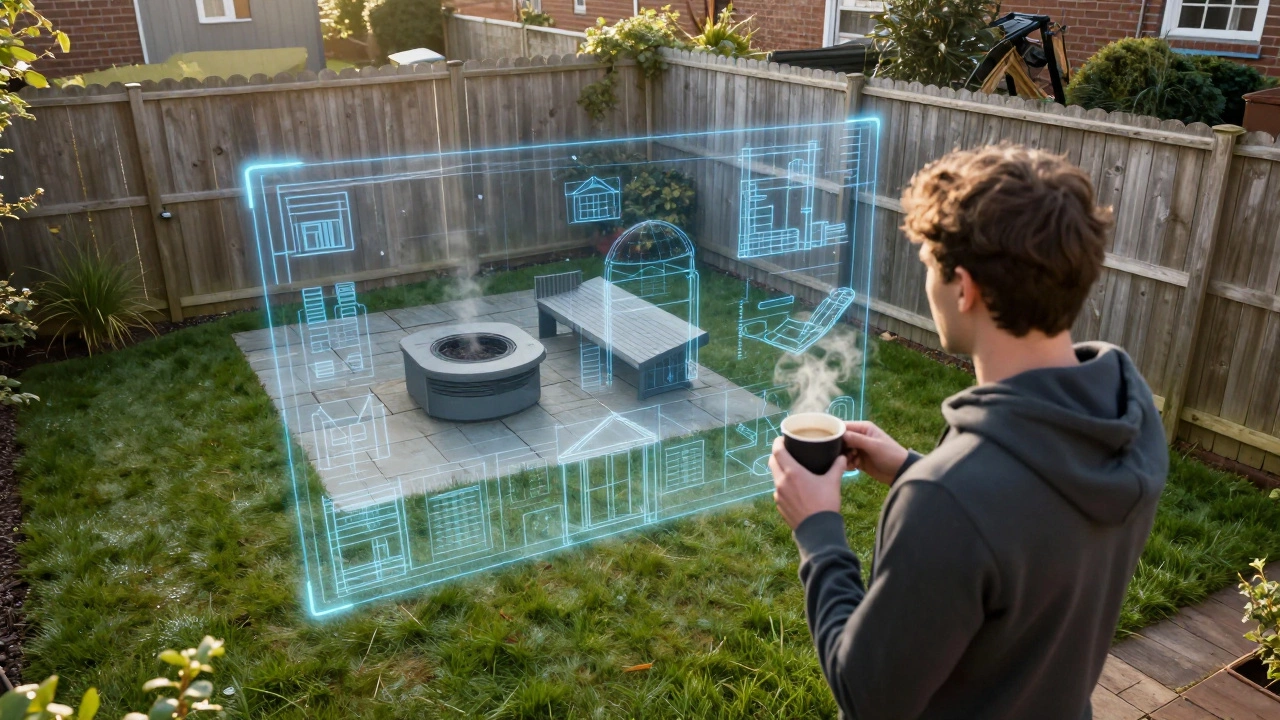
Hardscaping Material Estimator
Estimation Result
Enter your patio dimensions to see the material calculation.
Quick Wins for Your Garden Planning
- Visualizing Layouts: Stop guessing where the shed goes; map it out digitally first.
- Budget Control: Estimating material needs (like how many slabs of stone) before buying.
- Plant Placement: Checking if a plant's mature size will block your view or overwhelm a corner.
- Sun Mapping: Understanding where the light falls to place your vegetable patch or lounge set.
Choosing the Right Tool for Your Skill Level
Not every app is built for the same person. If you just want to move some virtual furniture around, you don't need a tool that requires a certification in engineering. On the other hand, if you're planning a multi-level terrace with complex drainage, a "drag-and-drop" app might be too basic. For those who are just starting, Home Design 3D is a great entry point. It's an intuitive tool that lets you build walls and add furniture. It doesn't have the deepest botanical library, but it's perfect for getting the "bones" of the yard right. If you need something more specific to plants, Garden Planner software usually offers a larger database of species, allowing you to see how a hydrangea will look next to a boxwood hedge after three years of growth. For the tech-savvy or those who want a professional finish, SketchUp is the gold standard. It's a flexible 3D modeling tool used by actual architects. It has a steep learning curve, but the "3D Warehouse" allows you to download pre-made models of everything from specific BBQ grills to rare Japanese Maples, so you aren't building every leaf from scratch.| Tool Type | Best For | Complexity | Key Feature |
|---|---|---|---|
| Mobile Sketch Apps | Quick ideas & mood boards | Low | Portability |
| 3D Room Planners | Layout and furniture flow | Medium | Visual Walkthroughs |
| Professional CAD | Exact measurements & construction | High | Precision Engineering |
How to Actually Plan Your Space (The Step-by-Step)
Using a backyard design app is pointless if you put the wrong data in. A common mistake is forgetting that a 10-foot wide patio feels much smaller once you add a dining table and four chairs. Here is the most effective way to use these tools:- The Physical Audit: Before opening any app, take a tape measure and walk your perimeter. Mark the "fixed" elements-trees you aren't cutting down, utility pipes, and the house footprint.
- The Base Map: Input these dimensions into your chosen app. If the app supports it, import a photo of your current yard to use as a backdrop.
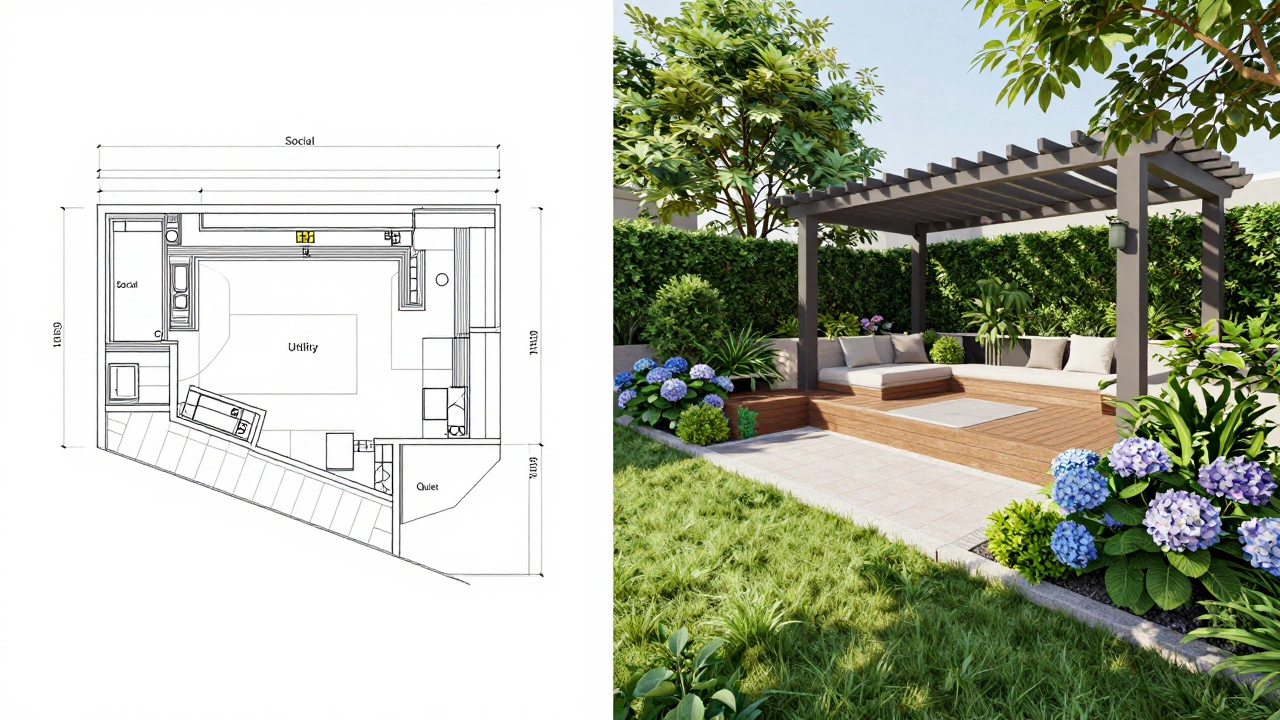
- Zoning: Instead of placing individual plants, draw "zones." Where is the social zone? Where is the utility zone (bins, compost)? Where is the quiet zone?
- The Hardware Phase: Add your hardscaping. This means patios, decks, pergolas, and paths. This is the most expensive part of a garden, so spend the most time here.
- The Green Layer: Now, add the plants. Use the app's attributes to check the mature width of shrubs. If you plant a Laurel hedge too close to the fence, you'll be pruning it every two weeks for the next decade.
Common Pitfalls in Digital Design
It's easy to create a "perfect" garden in an app that is impossible to maintain in real life. I've seen people design lush, tropical jungles in their apps, only to realize their backyard is a wind tunnel with sandy soil. One major trap is the "Flat Earth" syndrome. Many basic apps don't handle slope well. If your yard has a 5% grade, a flat digital drawing will lead to drainage nightmares. If your land isn't perfectly level, look for apps that allow for "topography" or "terrain editing." This ensures your water flows away from the house, not toward your basement. Another issue is the scale of furniture. Many apps use generic "chair" icons. In reality, a chunky outdoor sectional takes up way more room than a slim bistro set. Always check the dimensions in the app's settings and compare them to the actual furniture you intend to buy from the shop.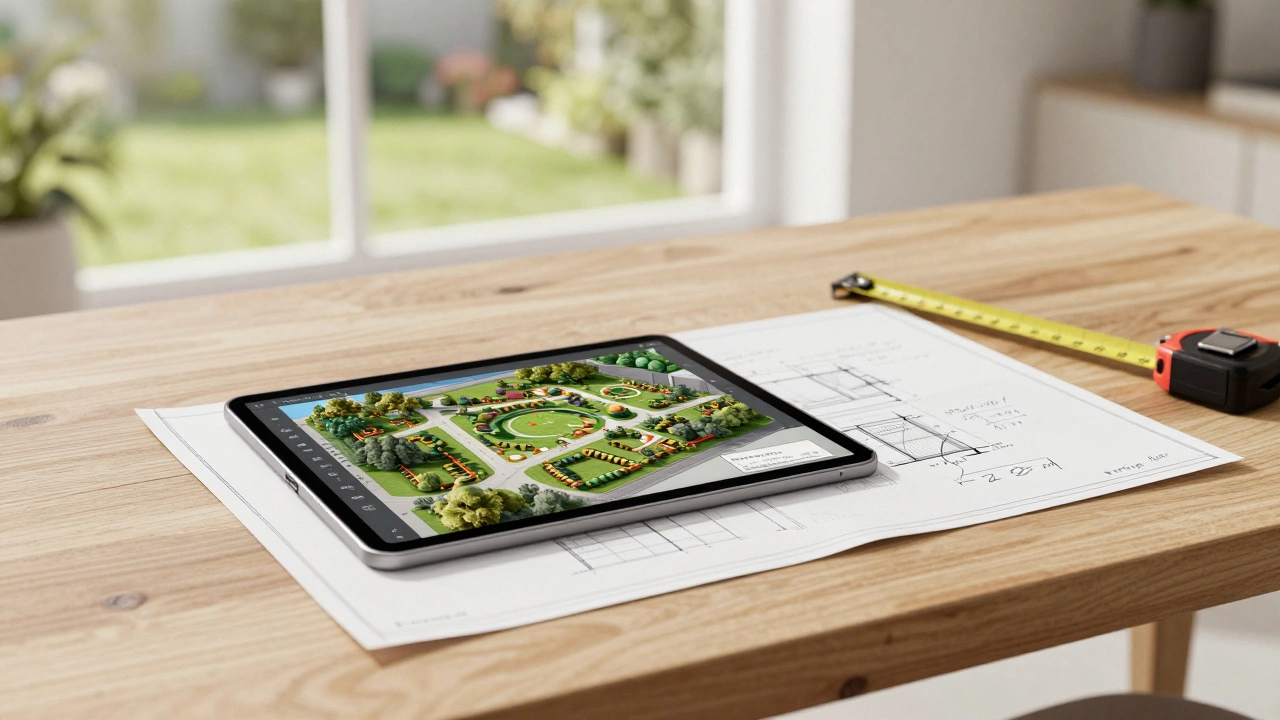
Connecting Your Design to the Real World
Once you have your digital master plan, you need to turn it into a shopping list. Most high-end design software allows you to export a "Bill of Materials." If yours doesn't, you can use your 2D overhead view to calculate square footage. For example, if your app shows a patio area of 20 square meters, and you're using 600x600mm porcelain slabs, you can quickly calculate exactly how many tiles you need, including a 10% waste margin for cuts. This prevents those annoying mid-project trips back to the hardware store because you were one slab short. If you're feeling overwhelmed by the software, try a hybrid approach. Use an app for the big layout, but create a "Mood Board" using a tool like Pinterest. This allows you to separate the *where* (the app) from the *look* (the mood board). When you show your contractor a 3D model alongside a photo of the specific stone you want, there's almost zero room for miscommunication.Are there any free apps for backyard design?
Yes, several tools offer a "freemium" model. Home Design 3D has a free version for basic sketching, and SketchUp Free is a powerful web-based option. However, free versions often limit how many projects you can save or prevent you from exporting high-resolution blueprints.
Can these apps help me choose the right plants?
Some specialized garden planners include databases with sunlight and soil requirements. While they can suggest plants that "look" good together, you should always cross-reference the app's suggestions with a local nursery to ensure the plants can survive your specific climate and soil pH.
Do I need to be an expert in CAD to use these tools?
Not at all. Most modern apps use a "drag-and-drop" interface. If you can use a smartphone or a basic drawing program, you can use a consumer-grade design app. Only the professional-grade tools like AutoCAD require formal training.
How do I handle slopes and hills in a design app?
Look for features labeled "Terrain," "Elevation," or "Z-axis." Basic 2D apps cannot do this. You will need a 3D tool where you can raise or lower specific points of the ground to mimic the actual slope of your land.
Can I share my digital design with a contractor?
Absolutely. Most apps allow you to export your design as a PDF, PNG, or JPG. Sharing a 3D walkthrough or a scaled 2D map is the best way to ensure your contractor understands exactly where the borders and structures should go.